Crucible vs hand-drawing or procedural tools
There is more than one way to create terrain for a custom Rust map. Each approach has trade-offs in terms of speed, control, and the final look. Here is how the common approaches compare and when to use each one.
Hand-drawing a heightmap
Section titled “Hand-drawing a heightmap”Painting a heightmap by hand in Photoshop, GIMP or another image editor gives you absolute control over every pixel, but it is very slow and requires real artistic skill. Natural coastlines, smooth slopes and believable cliff formations are hard to paint without them looking artificial. It is also easy to accidentally use 8-bit mode and introduce visible banding. Hand-painting works well if you have a very specific landmass shape in mind, but it is painful for creating an entire map from scratch. If the shape is the part you care about, Crucible will take an outline you draw or import and generate the terrain, beaches and world inside it, which is the same control without the pixel work. Most map makers only hand-paint to refine terrain after generating it with another tool, and rarely ever at the scale of large maps like Rust has.
World Machine, Gaea, and other game-dev terrain tools
Section titled “World Machine, Gaea, and other game-dev terrain tools”General terrain generators like World Machine and Gaea are deep and capable, but built for game and film studios, not Rust server admins. They come packed with complex features for terrain sculpting, erosion simulation, and 3D asset placement that Rust map creators simply do not need, and nothing in them is tuned for Rust or RustEdit. That overhead makes them slow to learn and painful to iterate with if you just want to generate a playable Rust island fast, especially if you put out fresh custom maps on a regular wipe schedule.
Crucible Heightmap
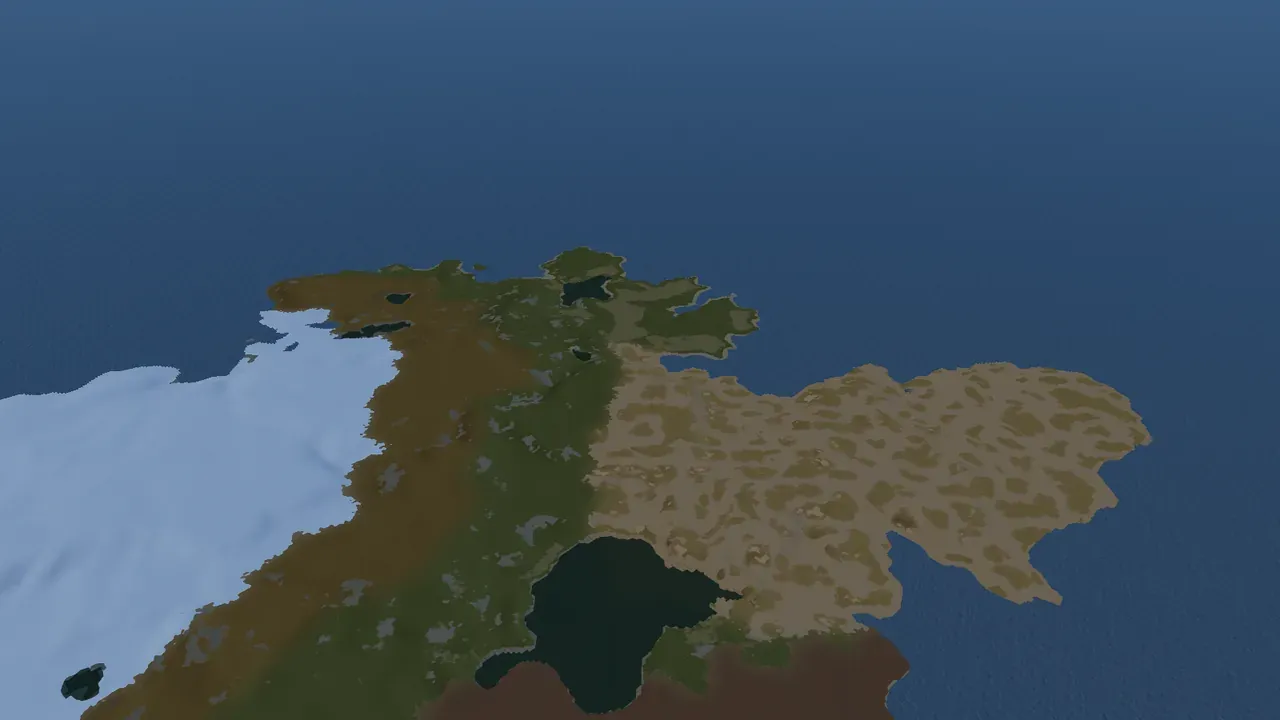
Section titled “Crucible Heightmap”Crucible Heightmap sits in the middle. It generates Rust-tuned procedural island terrain in minutes, then you import it into RustEdit and hand-craft the rest of your map (monuments, roads, biomes, water features) exactly how you want. You get natural, detailed terrain fast, then full control over the finished map: tune the terrain with sliders and the brush, and hand-place every monument and road in RustEdit, or lean on its proc gen if you prefer.