Generate your first island
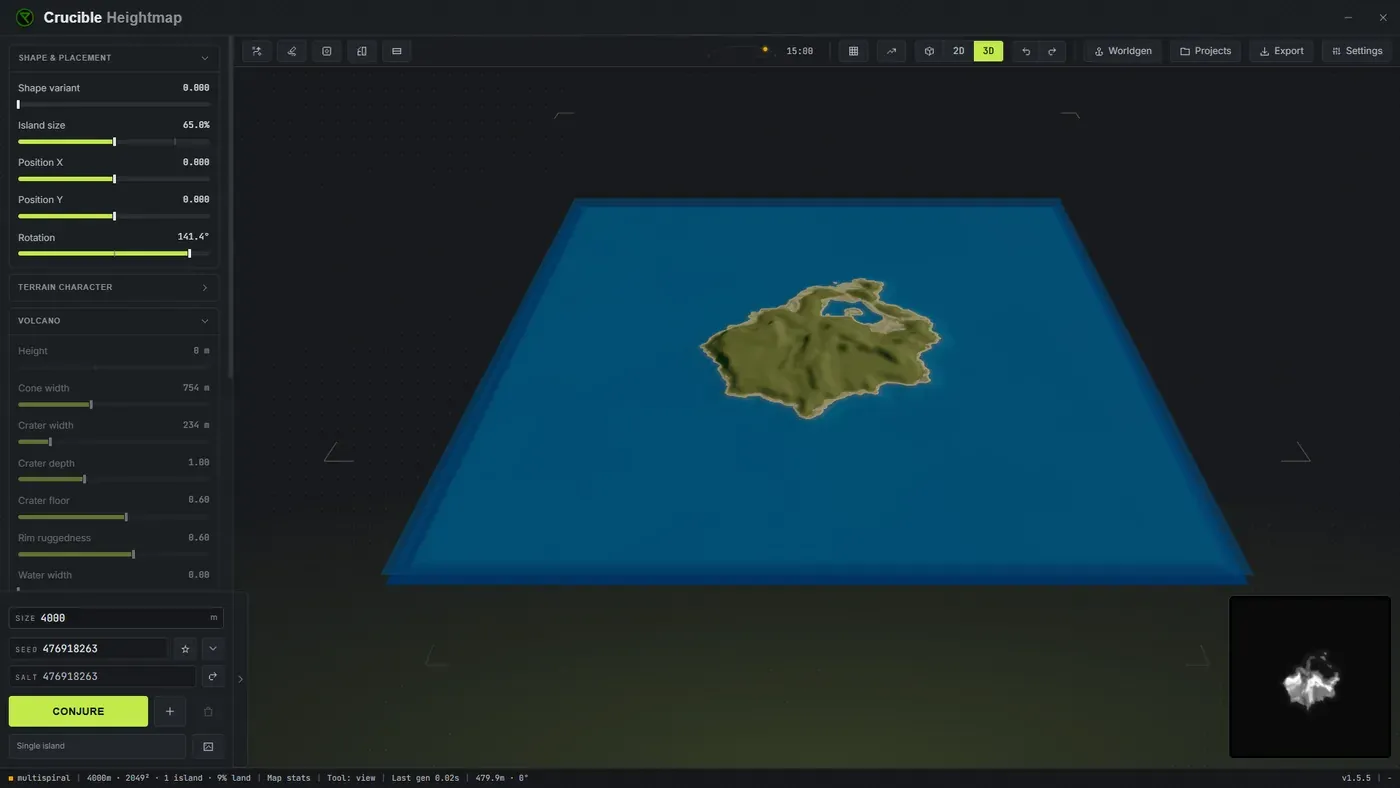
Open Crucible Heightmap and it immediately generates a random procedural island. Every island has its own unique seed, and you can adjust terrain using simple sliders, combine multiple islands, and export a ready-to-open Rust .map file for RustEdit in minutes.
What are the basic controls?
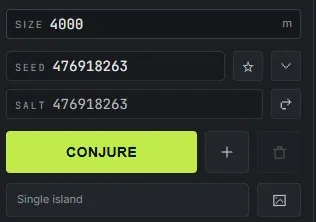
Section titled “What are the basic controls?”- Conjure: generate a brand new procedurally random island with a unique seed. Click the button or press C to roll a new island (C is the default; every shortcut is rebindable in Settings). Keep rolling until you land on a shape you like.
- Island style: open the drawer beside Conjure (or press I) and pick which of the eight island styles a Conjure may roll: Classic, Spine, Fingers, Harbour, Highland, Volcano, Crater or Caldera. Leave one on to force it, or several on to mix them. See volcanoes and craters for the three cone styles.
- Seed: each island has a unique seed. Type or paste a seed to reproduce a specific island exactly, or save the ones you like to your seed library. Seeds are portable, so you can trade them with other map makers.
- Sliders: shape the island’s terrain with intuitive sliders for size, shape, height, buildable ground, cliff sharpness and more. Adjust any slider and watch the live 3D preview update in real time, so you see exactly how each change affects your coastline and terrain.
- Map size: type your Rust world size in meters, anywhere from 1000 to 6000 (default 3800). This sets the export resolution for RustEdit: 513, 1025, 2049 or 4097 pixels. The same size shows in the export window, kept in sync. See map sizes and resolutions for guidance on which size to pick.
What the eight island styles are
Section titled “What the eight island styles are”A style is not a different blob. It sets the coastline, the mountains, the cliffs and how much flat buildable ground the island gets, all together, so each one plays differently. Every style still rolls a fresh island every time: the style is the promise, the seed is the island.
Five of them are ordinary islands:
- Classic: one compact landmass with a bayed coast and a big buildable middle. It rolls round, teardrop and headland leans, so it is the most varied of the set and the safest pick for a first map.
- Spine: a long island with a sharp mountain ridge running down it and a coast road either side. The tallest, sharpest peaks of any style, and the least flat ground, so it is the one to reach for when you want a map with a hard spine to fight over rather than an open sandbox.
- Fingers: a low core with long peninsulas reaching out of it, so the map is mostly coastline and boats matter. Low relief and almost no cliff coast, which keeps the arms walkable instead of turning them into ridges.
- Harbour: a sheltered bay cut into one side between two headlands, for a boat base on protected water. Its shoreline is deliberately calmer than the other styles, because a rough coast fills the mouth of the bay and you lose the harbour.
- Highland: a cliff-walled coast with a broad flat plateau on top. Hard to land on, strong to hold. It has the most cliff coast and the most buildable ground of any style, which is an unusual pair and the whole point of it.
The other three are cone islands, and they get their own page: Volcano, Crater and Caldera. See volcanoes, craters and calderas.
Leave one style ticked to force it on every roll, or several to mix them. With an island selected you can re-roll just that one into a style you pick, without touching the rest of the map.
A good first workflow
Section titled “A good first workflow”- Pick your map size first, since it frames everything else.
- Randomize until you land on a shape you like.
- Nudge the sliders to refine the coastline, height and terrain.
- Save the seed if you want to keep it. See save and share seed files.
- Export a
.mapfile and open it directly in RustEdit.
Want a whole map at once? Turn on the multi-island randomizer and every Conjure rolls a full map. To place and mix islands by hand instead, see combine island seeds.