
Test your map on a local Rust server
The fastest way to test a custom Rust map is to run a local Rust dedicated server, load your map, and walk it in-game to see exactly how the terrain, monuments and gameplay feel. This lets you catch problems early: terrain that does not play well, monuments in bad spots, cliffs that block movement, or layout issues that are obvious in first-person view but missed in top-down RustEdit.
Want to skip the scripts? Crucible Local Server is a free app that does everything on this page for you: it installs the Rust dedicated server, loads your map, and starts it with one click, with no
.batfiles to edit. It also finds your Crucible Heightmap exports on its own and lists them in its map menu, so a freshly generated.mapis one click from running. See run a custom map on your server. The manual setup below still works if you prefer to run it by hand.
Drizzza’s video on setting up a local Rust server is a good starting point:
Load your custom map on your Rust server
Section titled “Load your custom map on your Rust server”Configure your dedicated server to load your custom map by pointing to the .map file in your startup script. Save your exported RustEdit .map file somewhere (a maps folder in your server root works well), then set server.levelurl to the full file path in your startup .bat:
@echo off:loopcd /d "C:\Path\To\Your\Server\Folder"echo Starting server...RustDedicated.exe -batchmode ^+server.port 28015 ^+server.levelurl "file:///C:\Path\To\Your\Maps\yourmap_v1.map" ^+server.maxplayers 1 ^+server.hostname "Your Server Name" ^+server.identity "yourserver" ^+rcon.port 28016 ^+rcon.password YOUR_RCON_PASSWORD ^+rcon.web 1echo Server stopped. Restarting in 10 seconds...timeout /t 10goto loopWhat to change:
- cd /d path: the folder your
RustDedicated.exelives in. - server.levelurl: the full path to your
.mapfile (keep thefile:///prefix). - server.hostname and server.identity: your server name, and a save-folder name for this server.
- rcon.password: set your own and never share it.
Connect
Section titled “Connect”Start the server, launch Rust, press F1, and type client.connect localhost:28015 (or client.connect 127.0.0.1:28015) to join and walk your map.
To let friends test the map with you, port forward your router’s port 28015 (TCP/UDP) to your PC’s internal IP and port 28015. Your external IP address is the public address your internet provider assigns to your home network (find it by searching “what is my IP” in a browser). Give friends your external IP and have them connect with client.connect YOUR_EXTERNAL_IP:28015. Check your router settings or search “port forward [your router model]” for detailed steps.
What a finished map looks like
Section titled “What a finished map looks like”A custom map built on Crucible terrain, in game and as a full map overview. Screenshots by SyFex:
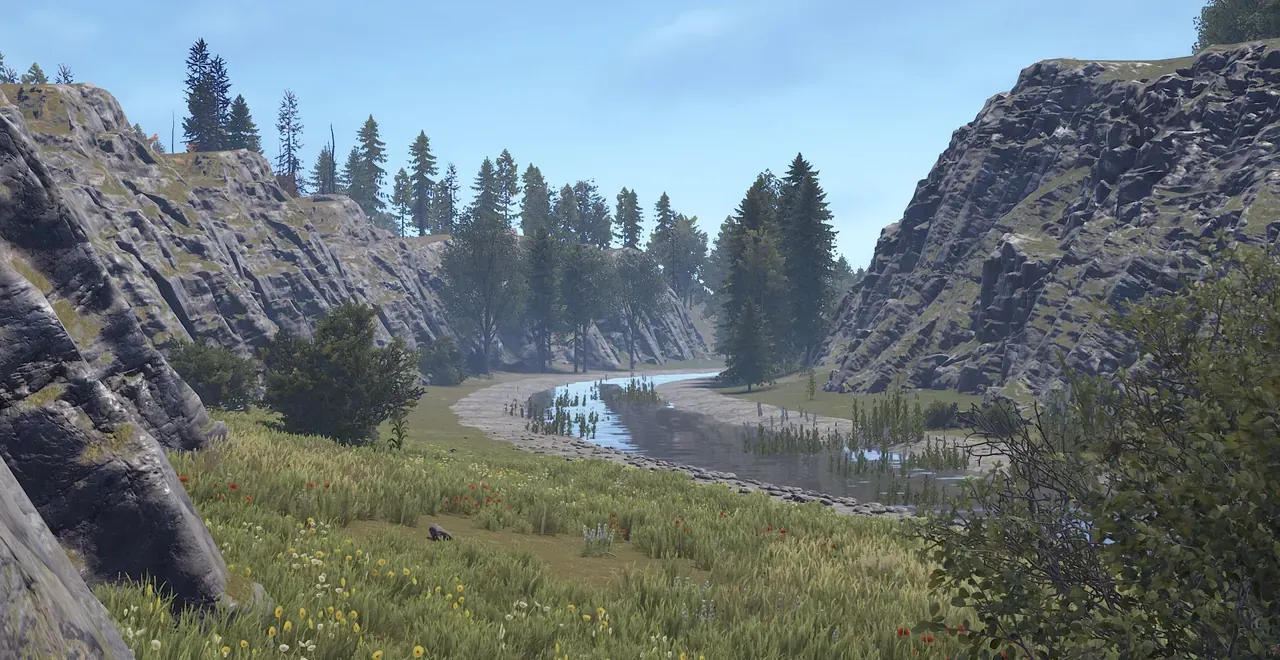
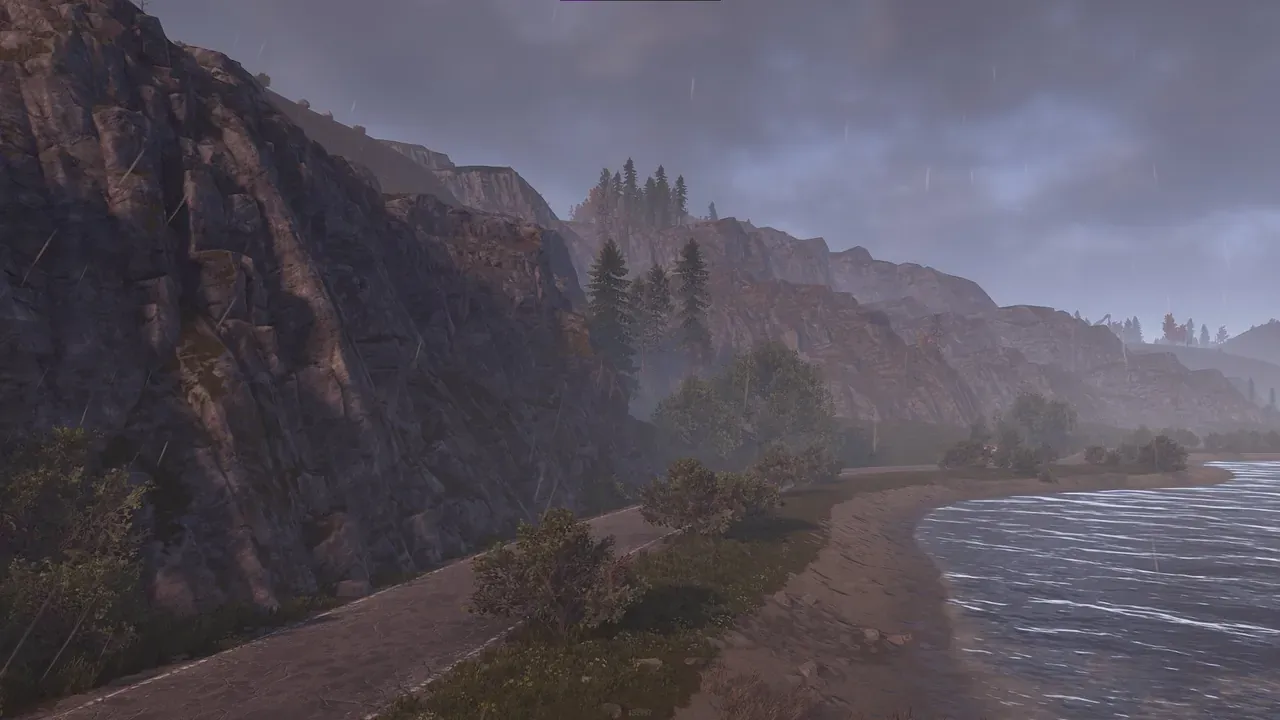
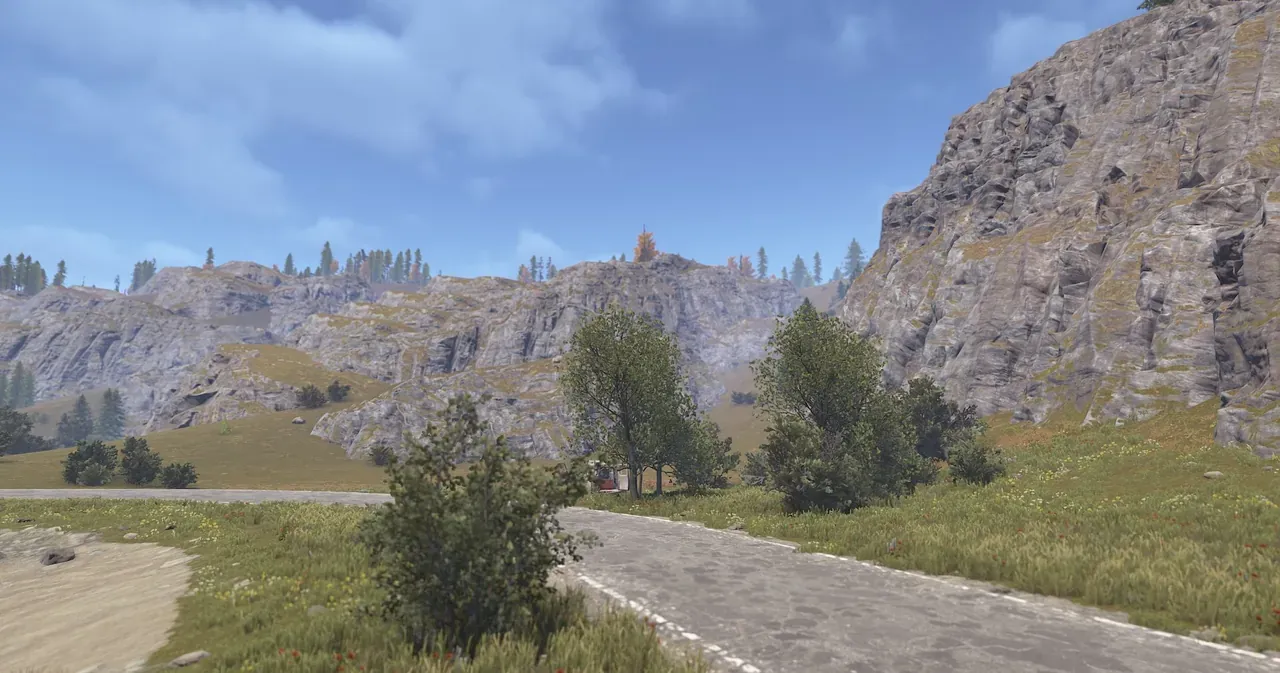
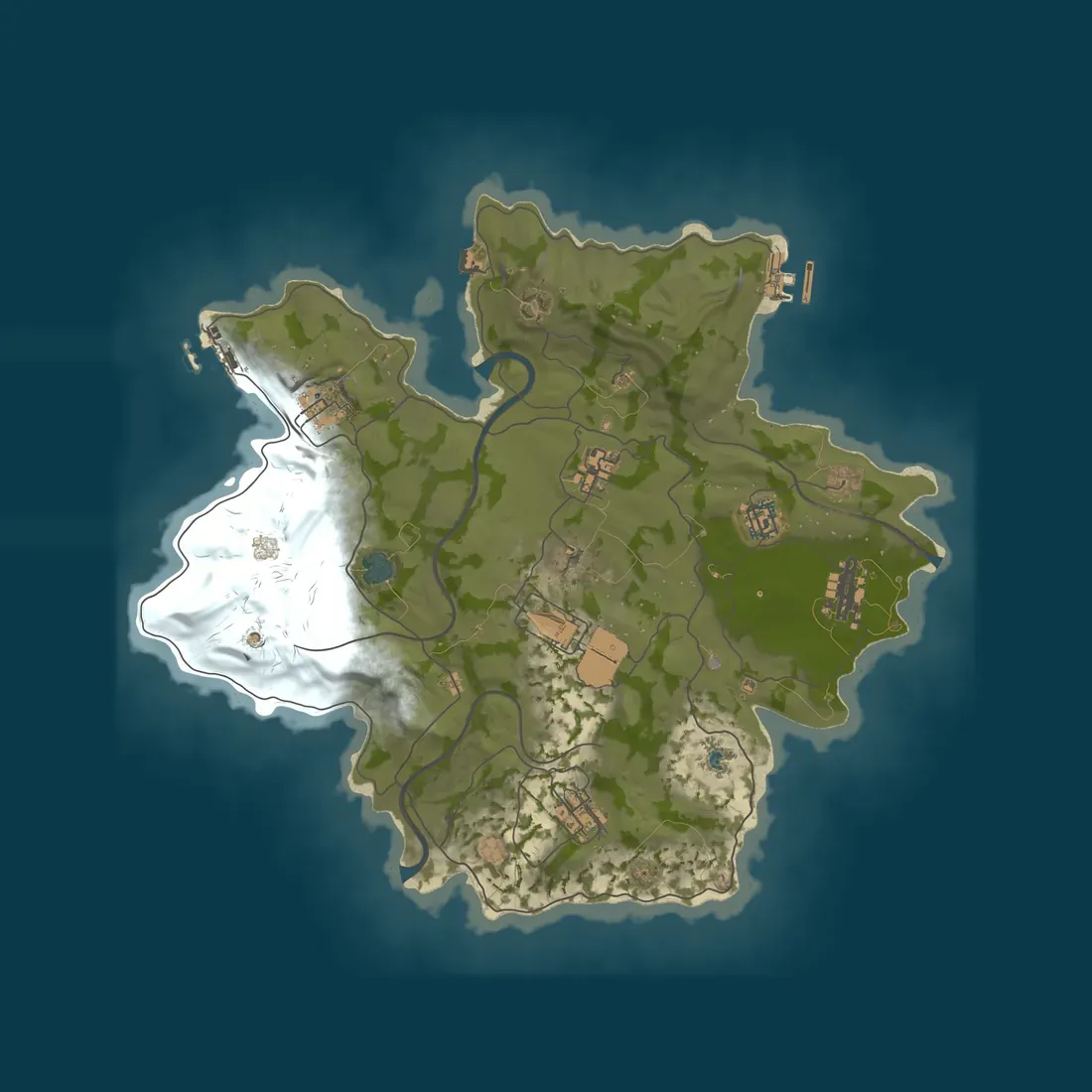
In-game and overview shots by SyFex, who has been instrumental in keeping the Hapis map alive after Facepunch retired it. See SyFex’s Rust map portfolio here.
Updating a map
Section titled “Updating a map”Either save each new version under a new name (for example yourmap_v2.map) and point server.levelurl at it, or delete the old .map from both your server identity folder and your Rust client’s map cache at C:\Program Files (x86)\Steam\steamapps\common\Rust\maps.
Hosting it for others
Section titled “Hosting it for others”When you are ready to put a map on a live server, Drizzza is partnered with Pine Hosting to offer you a simple hosting solution: pine.host/drizzza, code DRIZZZA for 30% off.